✓ Royal Mail Authorised Inspector since 2008 | Trading since 2005


Franking Supplies
Franking machine labels for your larger items of mail
We offer a wide range of affordable franking machine labels, fully compatible with leading brands including Pitney Bowes, Quadient, Frama and FP Mailing. Whether you are a small business or a large organisation, our high-quality labels keep your mailing running smoothly.
What are franking labels?
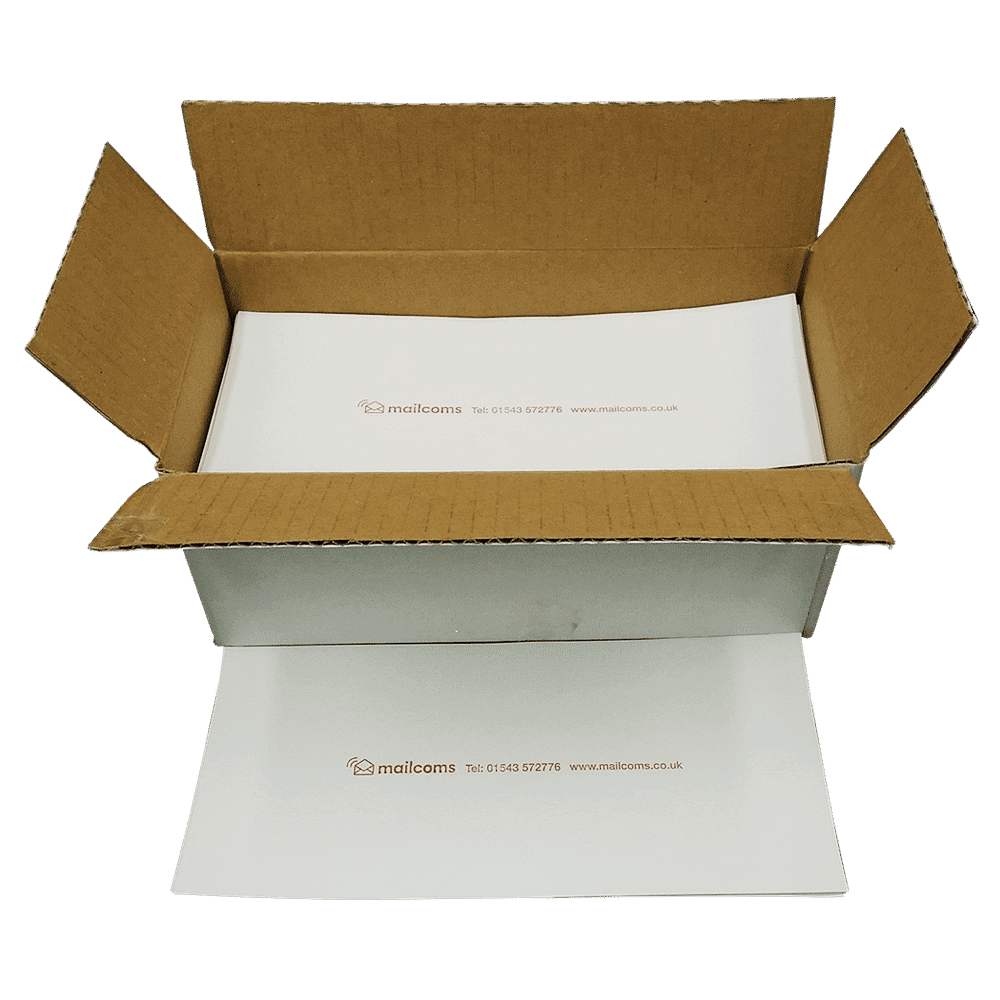
Franking labels (or franking machine labels) are adhesive labels used by a franking machine to display postage information for mail that is too big to go through the machine. They let your franking machine send parcels and large items that will not physically fit through it.
Instead of using traditional postage stamps, anyone with a franking machine can print postage directly onto a franking label, which is then affixed to the parcel or larger item being mailed.
There is a wide range of franking labels available, all in different sizes to suit different purposes and machines.
Why choose Mailcoms franking labels?
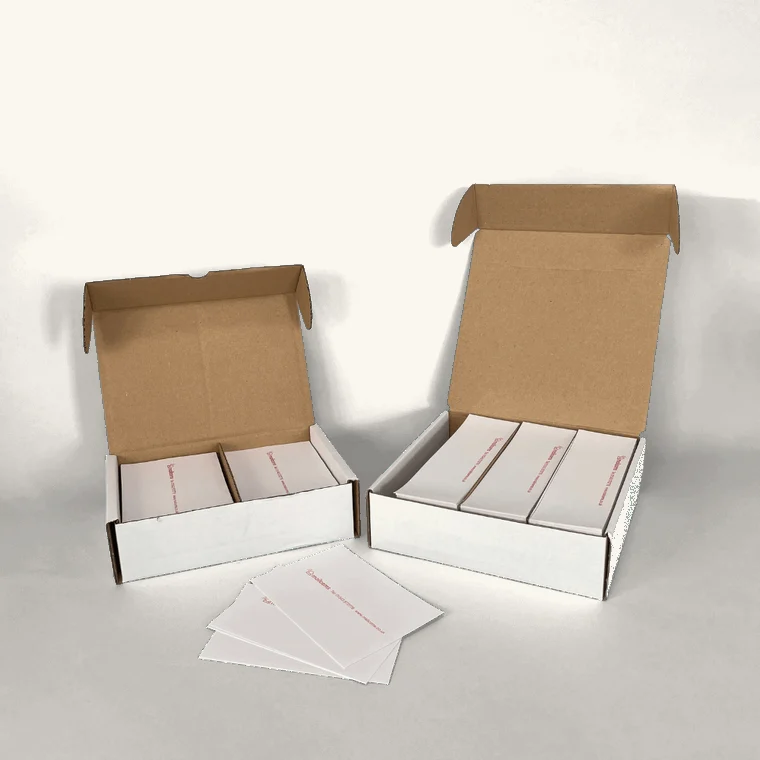
Our premium franking labels are designed to work seamlessly with all major franking machine brands, whether you are a small business or managing high-volume mail.
Guaranteed compatibility
Precision-cut to work flawlessly with all major franking machine models.
High quality assured
Top-grade materials for clear, professional and long-lasting prints.
Cost-effective solutions
Affordable pricing without compromising on quality, in multiple pack quantities.
Free delivery available
Fast, free UK delivery on all franking label orders, no minimum spend.
Types of franking labels available
We stock a variety of franking labels tailored to each type of franking machine. If your machine has a label dispenser, such as the SendPro C Auto, our single cut labels are ideal. See our full range below.
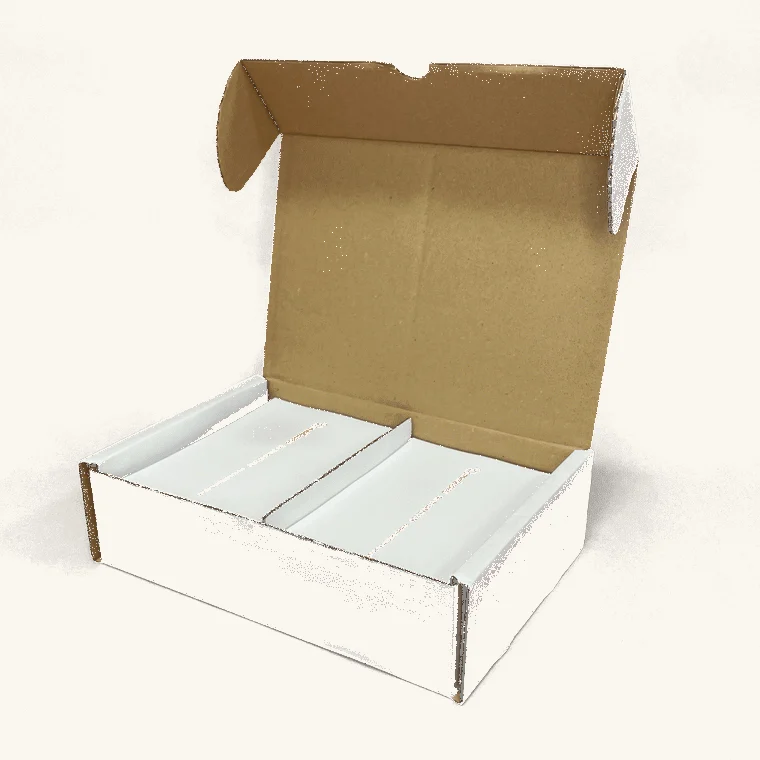
Double sheet franking labels (2 per sheet)
Designed to work in all franking machine models. Available in short, long (175mm) and extra long (215mm) lengths, and compatible with all Pitney Bowes, Quadient, Frama & FP Mailing machines.
Royal Mail Special Delivery / Signed For 1D barcode labels
Extra-long double sheet labels that retain Royal Mail 1D barcode tracking and the separate return-address policy. Available in packs of 500, 200 & 100, and compatible with all Pitney Bowes, Quadient, Frama & FP Mailing machines.
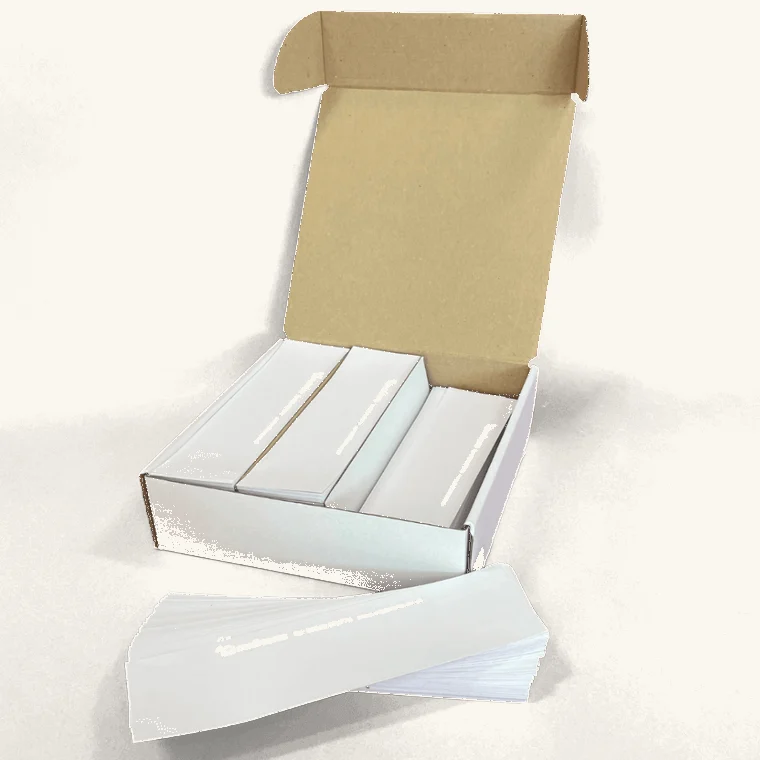
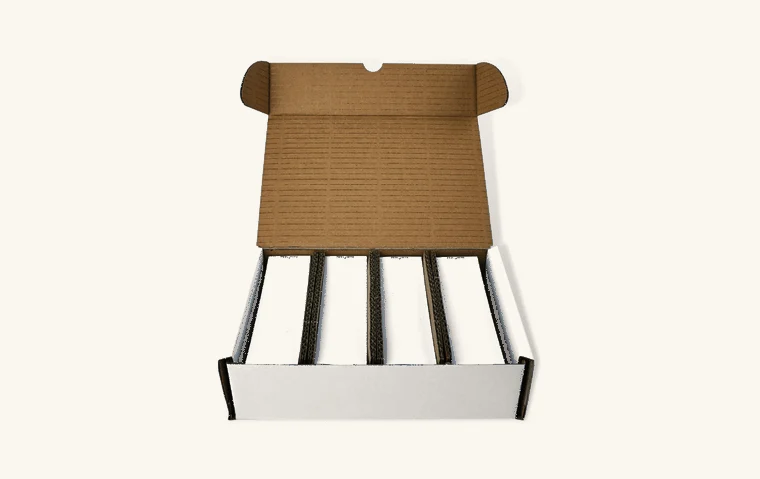
Quadient (Neopost) single cut labels
For Quadient machines with a built-in label feeder. Available in short and long lengths, and compatible with IS420, IS440, IS460, IS480, IS5000, IS6000, IS6000c, IN-600, IN-700, iX-5, iX-7 & iX-9 Series.
Pitney Bowes single cut labels
For Pitney Bowes machines with a built-in label feeder. Available in short length, and compatible with SendPro C Auto, SendPro C Auto+, DM300M & DM400M.
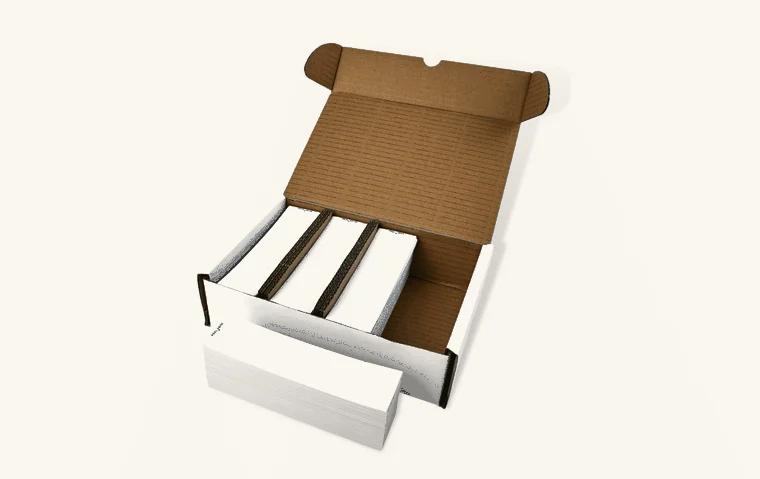
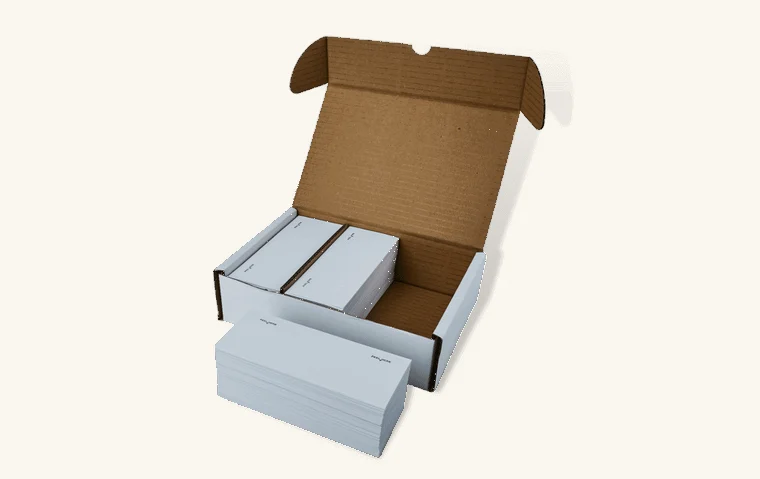
FP Mailing Postbase single cut labels
For the FP Mailing Postbase series. Available in short and extra long lengths, and compatible with Qi3, Qi4, Qi6, Qi9, Econ, Office, Enterprise, Enterprise Pro, Vision 3S/5S/5A/7A/9A, Ten & One.
Frama single cut labels
For Frama machines with a built-in label feeder. Available in short and long lengths, and compatible with FN/FX Series 5, 7, 7.5 & 9.
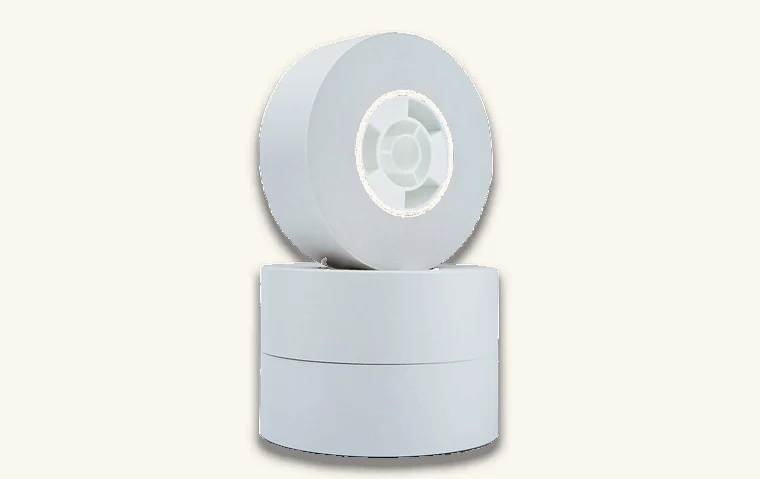
Franking label rolls
Self-adhesive label rolls for the Pitney Bowes SendPro P & Connect Series. Compatible with Connect+ 500W, 1000, 2000 & 3000 and SendPro P1000, P1500, P2000 & P3000.
How do I use franking labels?
Franking labels are ideal for larger envelopes and parcels that are too bulky to feed through your machine. Here is how to use them correctly.
1
Prep your franking machine
Make sure your machine is loaded with enough ink and that the correct date and postage rate are selected.
2
Insert the franking label
Place a label in the designated area ready for printing. Some machines have a built-in feeder; others are hand-fed.
3
Print your franked impression
The machine prints the postage details – Mailmark barcode, class of mail, date, postage amount, serial number and any branding.
4
Apply the label to your mail
Peel and stick the label onto the top-right corner of your envelope or parcel, flat and clearly visible for scanning.
Why choosing the right franking label matters
The quality and type of franking label you use directly affects your mailing efficiency and cost. Here is why choosing the right one matters:
- Royal Mail compliance – approved, compatible labels meet Royal Mail guidelines, reducing the risk of rejection or delays.
- Smudge-free, clear printing – high-quality labels give crisp, smudge-resistant prints that avoid misreads.
- Strong adhesion – reliable adhesive keeps labels secure in transit, so mail is not lost or returned.
- Cost efficiency – the right labels prevent reprints and wasted supplies, saving time and money.
- Professional brand image – clean, clear postage labels enhance how your business looks to customers.
At Mailcoms, our franking labels are Royal Mail approved, compatible with a wide range of machines, and made for optimal print quality and adhesion.
Find the right franking labels for your machine
Browse our full range of Royal Mail approved franking labels, or get in touch if you are unsure which fits your machine.