✓ Royal Mail Authorised Inspector since 2008 | Trading since 2005


Mailcoms own brandROYAL MAIL APPROVED · MAILMARK READY
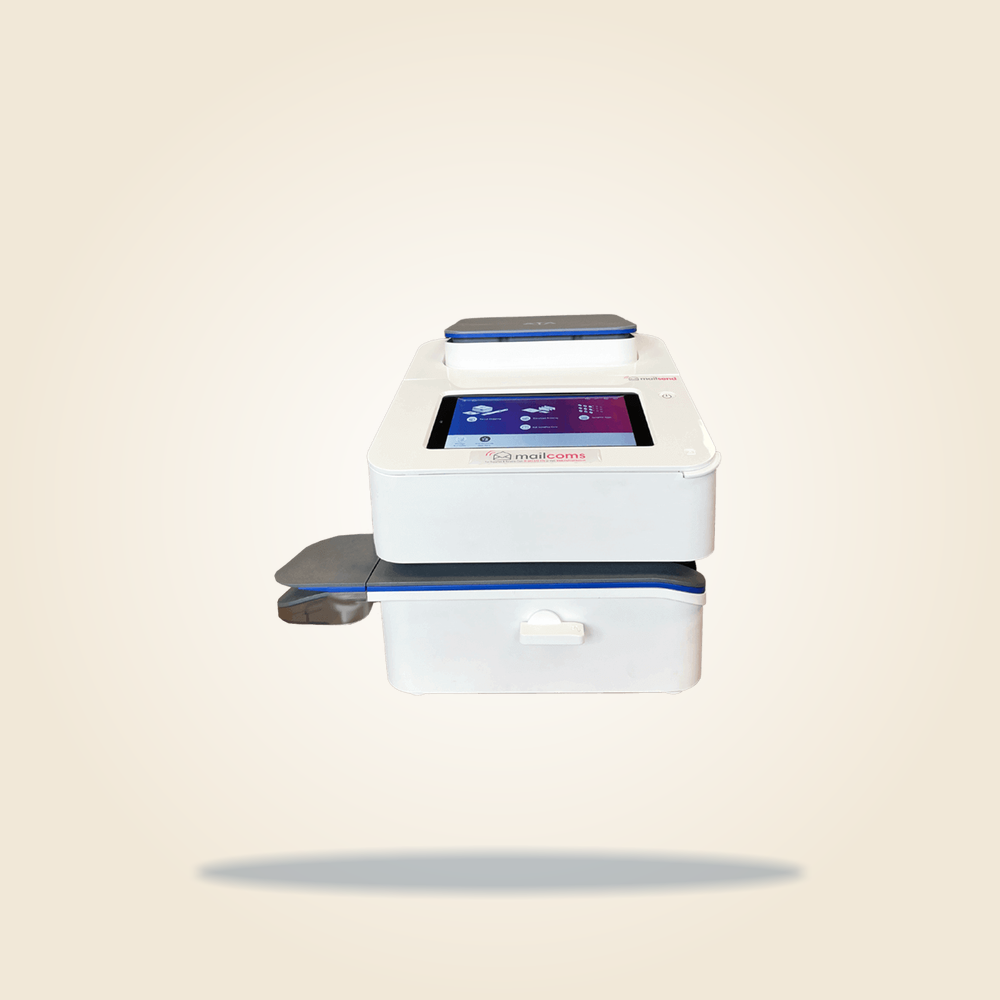
Mailsend Prime – Entry-Level Mailmark Franking Machine
The Mailsend Prime is a Mailmark compatible franking machine perfect for an average daily volume of up to 40 items per day. Ideally designed for sending letters, packets and parcels.
- Up to 40 items per day
- Mailmark ready (best rates)
- Pass-through up to 25 items per minute
- 7-inch Android touchscreen
- Signed For / Special Delivery barcode
- 3kg integrated scale
Specifications
Mailsend Prime specs
Everything you need to compare the Mailsend Prime against other Mailmark franking machines.
Mailsend Prime specifications
ManufacturerMailcoms
Mailmark approvedYes – Mailmark ready
Recommended posting volumeUp to 40 items per day
Print speedUp to 25 items per minute
FeedingSemi-automatic pass-through with side letter ejection
Touchscreen7-inch Android colour touchscreen
Royal Mail trackingSigned For / Special Delivery 1D barcode built in
Logo / slogan printingYes
Integrated scale3kg weighing scale
Cost centres10 cost centre accounts
ConnectivityBuilt-in Wi-Fi (LAN also supported)
Letter slot9.5mm letter slot
Account securityPIN code protected accounts
Why it’s quicker
Feed it through. Don’t stand and wait.
The Mailsend Prime uses semi-automatic pass-through franking: you feed each item in one side and it comes out the other, franked, left to right. Basic machines make you position every item, press, wait, then lift it out by hand before you can start the next one. Over a full postbag, that adds up to real time saved.
▶ Mailsend Prime · pass-through
One smooth pass: the envelope feeds straight through and drops out franked, ready for the next one. No stopping to unload.
Basic machines · manual
- 1Position the item by hand against the guide.
- 2Press to frank and wait for the print.
- 3Lift the franked item out by hand.
- 4Only then can you load the next one.
Every item is a stop-start cycle, fine for a handful of letters and slow once the pile grows.
Up to 25 items a minuteSemi-automatic pass-through with side letter ejection
See it in action
Mailsend Prime demo video
Watch a quick walkthrough of the Mailsend Prime in action – franking your post, running everyday jobs and keeping things simple.
Ready to reorder
Supplies for the Mailsend Prime
All Royal Mail approved, with same-day despatch on stocked supplies. Add to basket and check out securely.
Recommended
Loading…
Loading…
Loading…
Loading…
Step-by-step guide
How to change the ink on a Mailsend Prime
Changing the ink takes just a few taps on the touchscreen and needs no tools – your Mailsend Prime guides you through every step on screen.
01
Open maintenance
Tap the Settings icon in the global toolbar, then scroll down and tap Envelope Printer Maintenance.
02
Select replace ink
Follow the on-screen prompts and select Replace Ink Cartridge. Have your new Mailcoms cartridge ready to install.
03
Swap the cartridge
When the carriage moves into position, remove the old cartridge, then unwrap the new cartridge and push it in until it clicks securely into place.
04
Close & test
Close the cover and follow the on-screen prompts to finish. The machine runs a quick test print so you can check the new cartridge is installed correctly.
Important: only use approved ink
We have seen a rise in problems caused by third-party (non-approved) ink cartridges. To protect your machine and your service cover, always fit genuine Mailcoms, Royal Mail approved ink.
Non-approved ink can
- ✗Damage internal components
- ✗Invalidate your service cover
Genuine Mailcoms ink keeps
- ✓Covered parts and labour included
- ✓No unexpected repair costs
- ✓Complete peace of mind
Quick troubleshooting
Common Mailsend Prime error codes
The most-searched error codes for the Mailsend Prime. Tap any to jump straight to the fix.
1825
Postage / funds error
A postage or funds communication error. Reconnect the machine and retry the transaction.
Read the full fix →BA00
Connection issue
A connection fault stops the machine reaching the data centre. Check the network and reconnect.
Read the full fix →1811
Connection error
A network connection error. Check the connection and try the operation again.
Read the full fix →Cloud
Commerce cloud not found
The machine cannot reach the data centre. Restart it and check the connection.
Read the full fix →ULB/LB
Urgent / low battery
The internal battery is low. Follow the steps to clear the battery message.
Read the full fix →Compare the range
Is the Mailsend Prime the right machine for you?
If you send more or fewer items, another Mailcoms machine may suit you better. Browse related machines:
Get the Mailsend Prime
Buy it outright and it is yours to keep, or spread the cost with an all-inclusive lease. Most customers just buy it now.
Most popular
Buy it now
Own your Mailsend Prime outright, with no monthly payments and no long contract to tie you in.
- A one-off purchase that is yours to keep
- No ongoing lease commitment
- Add optional service & ink cover only if you want it
- Royal Mail approved and Mailmark ready
Fast UK setup, usually back to you within 24 hours.
Prefer to spread the cost?
Lease the Mailsend Prime with all-inclusive cover instead.
- Maintenance included
- Free Royal Mail rate updates
- UK-based support
Quick answers
Frequently asked questions
What ink does the Mailsend Prime use?
The Mailsend Prime uses a Mailcoms Royal Mail approved smart blue ink cartridge for Mailmark franking. Request a quote and we will confirm the exact cartridge and page yield for your machine.
Is the Mailsend Prime Mailmark approved?
Yes. The Mailsend Prime is fully Mailmark ready, so you always get the lowest available Royal Mail postage rates.
What daily volume is the Mailsend Prime designed for?
The Mailsend Prime is designed for up to 40 items per day.
Can I lease the Mailsend Prime with service cover?
Yes. You can lease the Mailsend Prime with an all-inclusive plan covering maintenance, free Royal Mail rate updates and UK support. Get a quote for current lease pricing.
Does the Mailsend Prime update postage rates automatically?
Yes. The Mailsend Prime connects over LAN or Wi-Fi and downloads the latest Royal Mail rates automatically, so you are always charged the correct postage.
How do I get a Mailsend Prime?
Request a quote or call 01543 572 776. Tell us what you send and we will set you up with the Mailsend Prime, your Royal Mail licence and installation.
Compare options
Other Mailcoms machines
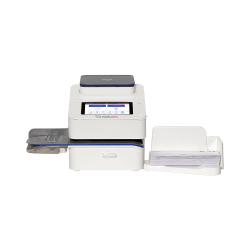
SendPro Mailstation
Entry-level franking for up to 30 items a day.
View SendPro Mailstation →Mailsend Essential
Fast batch franking for up to 50 items a day.
View Mailsend Essential →Mailsend Pro
For growing daily mail volumes.
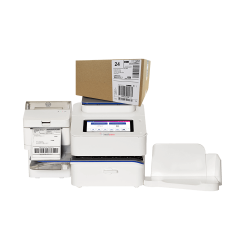
View Mailsend Pro →Parcelsend
Parcels, packets and letters in one machine.
View Parcelsend →Get a quote on the Mailsend Prime – usually back within 24 hoursGet a quote →
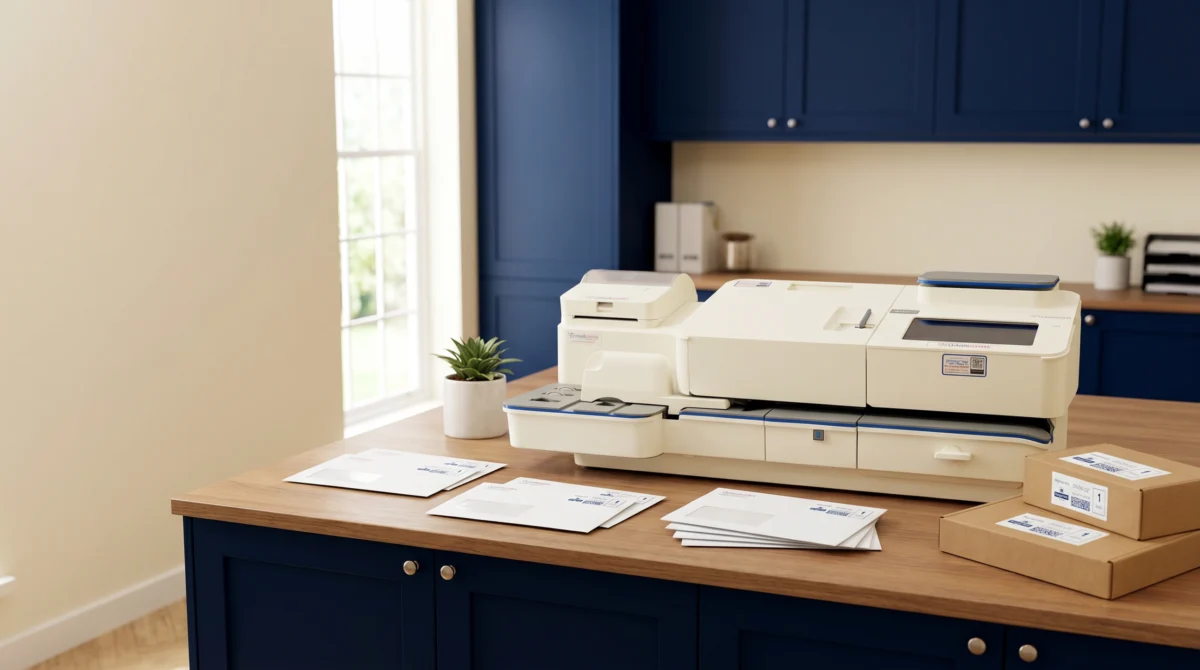
Machine finder
Not sure which franking machine you need?
Answer two quick questions about your mail and we will recommend the right Mailmark franking machine for your business.
1
How much do you send on a typical day?
2
What do you mainly send?
Not sure? Get a quick quote and our team will recommend the right machine for you.
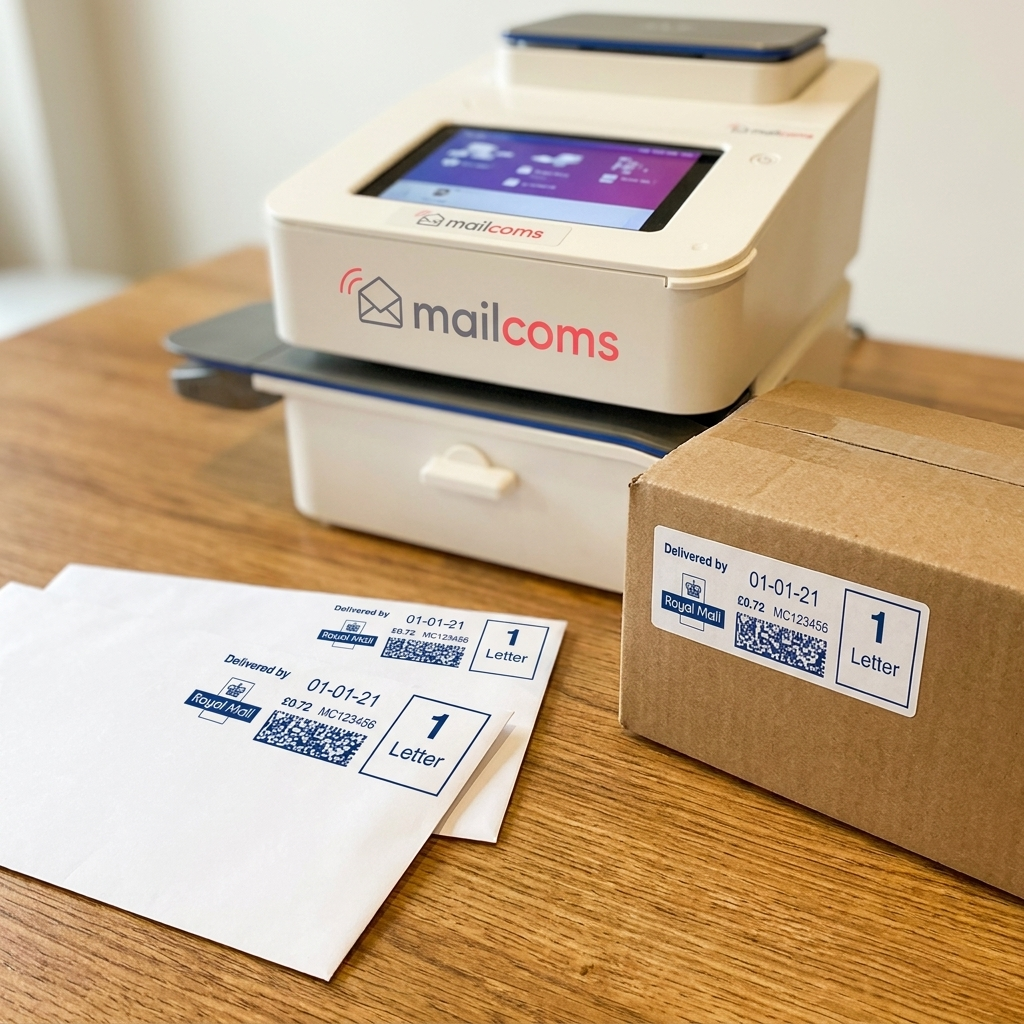
Savings calculator
See how much you could save
Enter what you send on a typical day and see your Mailmark savings versus stamps - per day, week, month and year.
How much do you send?
Enter the number of items you send on a typical day. Leave anything you do not send at 0.
Your Mailmark saving
£0.00
per year vs stamps£0.00per day
£0.00per week
£0.00per month
With Mailmark franking£0.00per year
With stamps£0.00per year
Please note: savings are based on postage only and do not include the cost of buying, leasing or running a franking machine. Royal Mail prices effective .